Inspect every detail
Per-device DevTools, rulers and outlines. Find the issue right where it happens.
 Respo
RespoA calmer way to build responsive websites.
All your previews, beautifully in sync.

Everything you need to get the details right.
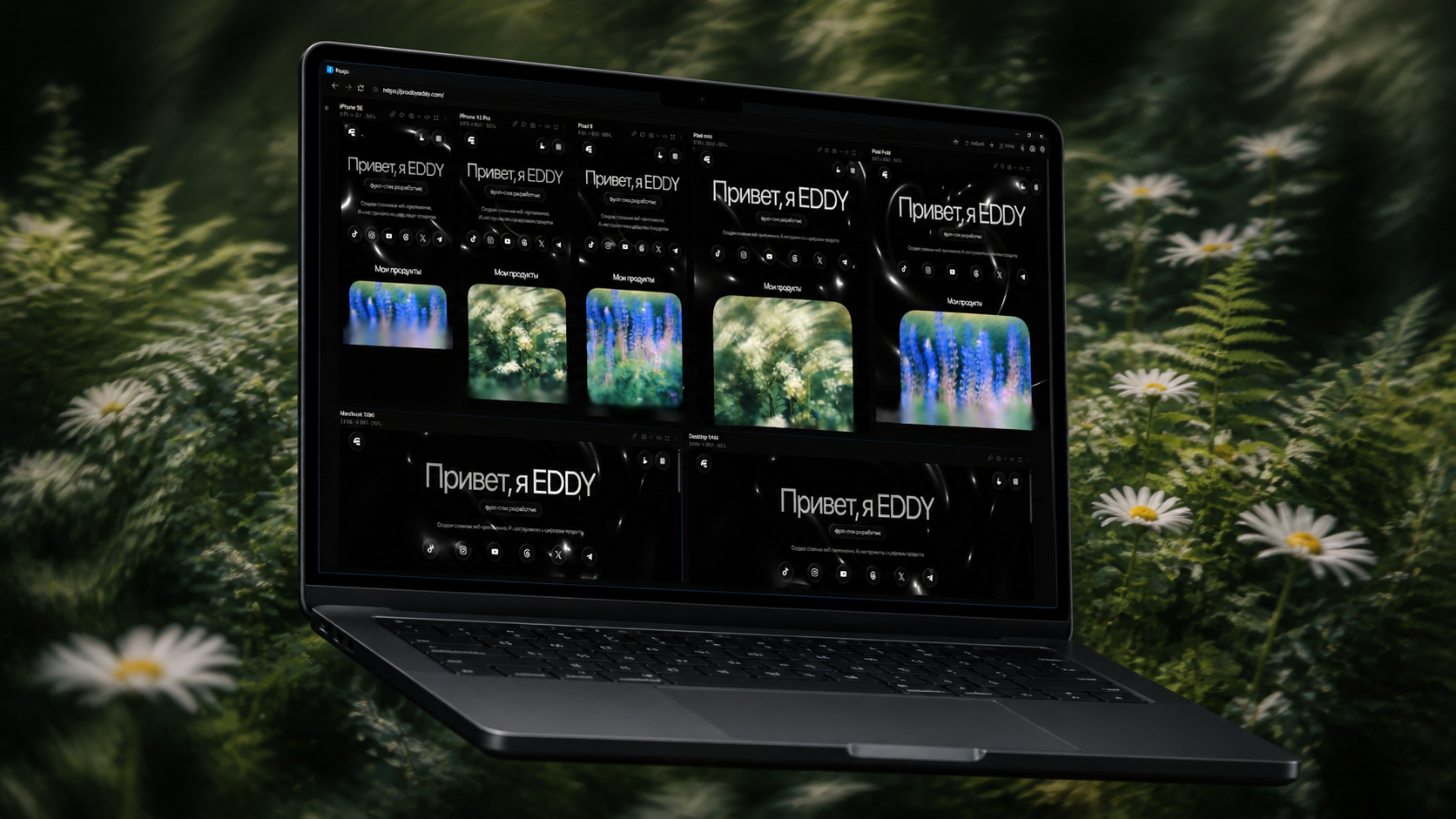
Scroll, click and type in one preview. The others follow. Compare your responsive layouts without the window shuffle.

Check dark mode, reduced motion, slow networks and more. Apply the same environment to every device in a few clicks.

Choose from grouped device presets, add custom sizes and save your favorite suites. Five canvas layouts make room for your workflow.

Per-device DevTools, rulers and outlines. Find the issue right where it happens.
Save a viewport or a full page. Capture every device at once when you're ready to share.
Production URLs, localhost or local HTML. Bring your work, keep your setup.
Named suites, bookmarks and saved settings. A familiar workspace each time you return.
Light or dark. Side by side or in a row.
Make space for the way you work.
Yes. Respo is free to download and use, with no account, subscription or paid feature unlocks. The desktop app is open source under the MIT license.
The current release runs on Windows 10 and 11, on x64 PCs. There are no macOS or Linux installers yet. The MacBook images on this page are promotional mockups.
Yes. Paste your local development URL, including its port, or open a local HTML file. Respo can reload local files when they change.
No. Every preview uses Chromium. Respo emulates viewport size, pixel density, touch and device information. Use real devices and other browsers for final compatibility checks.
Respo has no usage analytics, telemetry or automatic crash-report uploads. App settings, history and logs stay local. Sites you open still make their own network requests, and update checks connect to GitHub. You can disable automatic update checks in Settings.
The installer is not code-signed yet, so Windows may show an unknown-publisher or SmartScreen warning. That warning alone is not a malware detection. Always download from the official Respo GitHub releases.
Give the app a star on GitHub, report a bug, or share Respo with someone who builds websites. You can also sponsor a spot on this page to help fund its continued development.